- AI-powered
- JavaScript
- OpenAI
Mastering the Chat: Connect with Every Client and Care for Every Pet
An AI-powered client-communication sim for veterinary technicians — built end to end on a production-ready serverless stack.
 Overview
Realistic client chats, powered end to end by AI
This project puts veterinary technicians inside a realistic chat-based client interaction, powered entirely by AI. Learners chat with an AI-driven client, consult an AI-powered mentor vet for on-demand support, and receive personalized video feedback generated from their own performance — all built on a secure, production-ready serverless architecture.
 The Problem
Chat is the new front desk — but no one practices it
Veterinary technicians typically support clients in person, but more and more clinics are handling non-emergency questions through chat platforms — a communication style techs rarely get to practice. Generic training modules can teach the theory of empathetic, accurate client communication, but they can’t replicate the real-time pressure of a live conversation where a worried pet owner is waiting on the other end.
Vet techs need a way to practice these conversations, make mistakes safely, and get feedback that’s actually specific to what they said — not just a generic “be more empathetic” note that doesn’t tell them what to do differently.
 The Solution
A fully AI-powered chat simulation
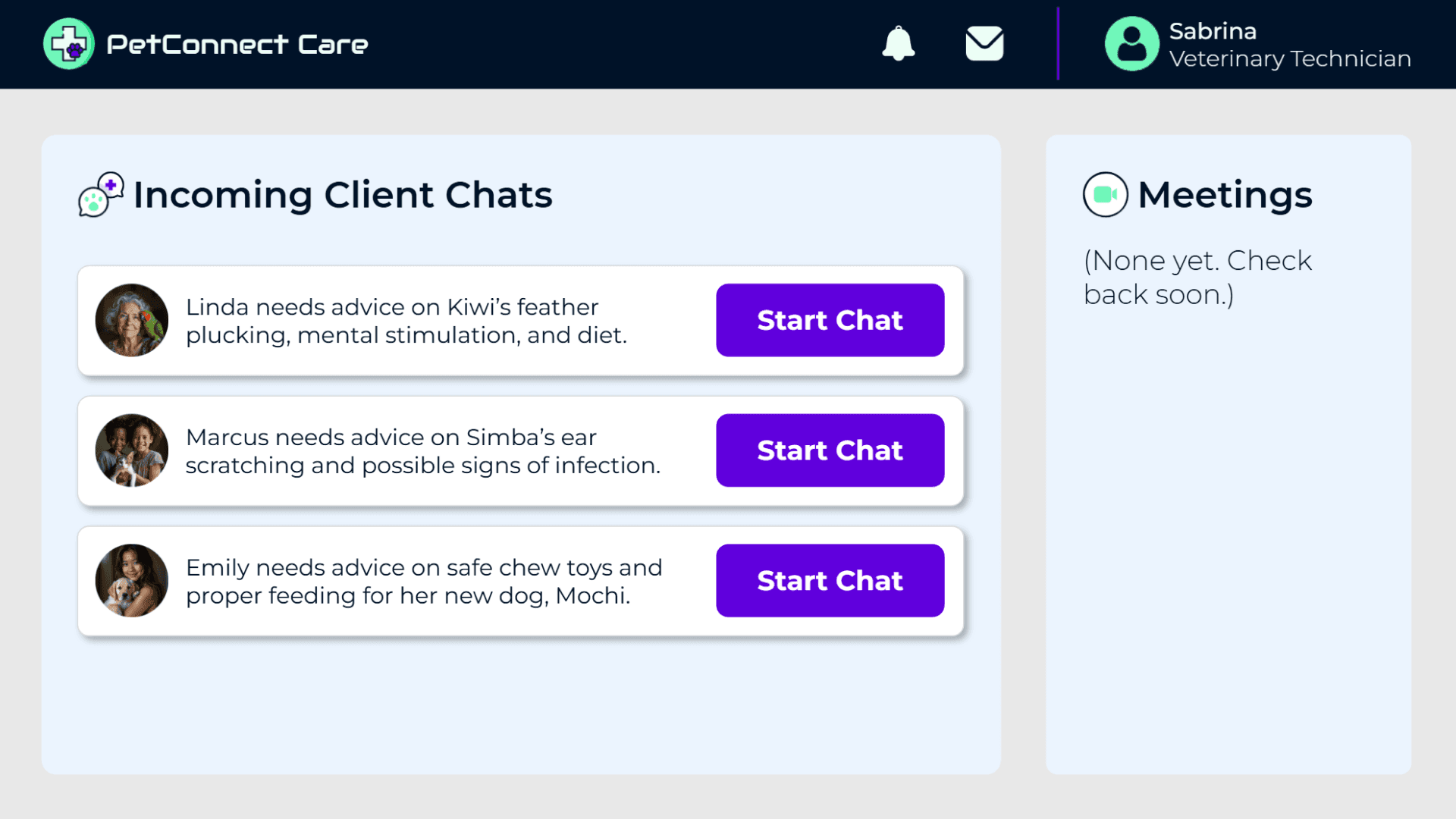
I built a chat-based simulation where learners step into the role of a vet tech helping a client, Linda, with a non-emergency issue involving her bird, Kiwi. The entire experience is AI-powered: Linda responds naturally based on how the conversation unfolds, and a mentor vet, Dr. Tessa Clarke, is available on demand if the learner needs guidance mid-conversation.
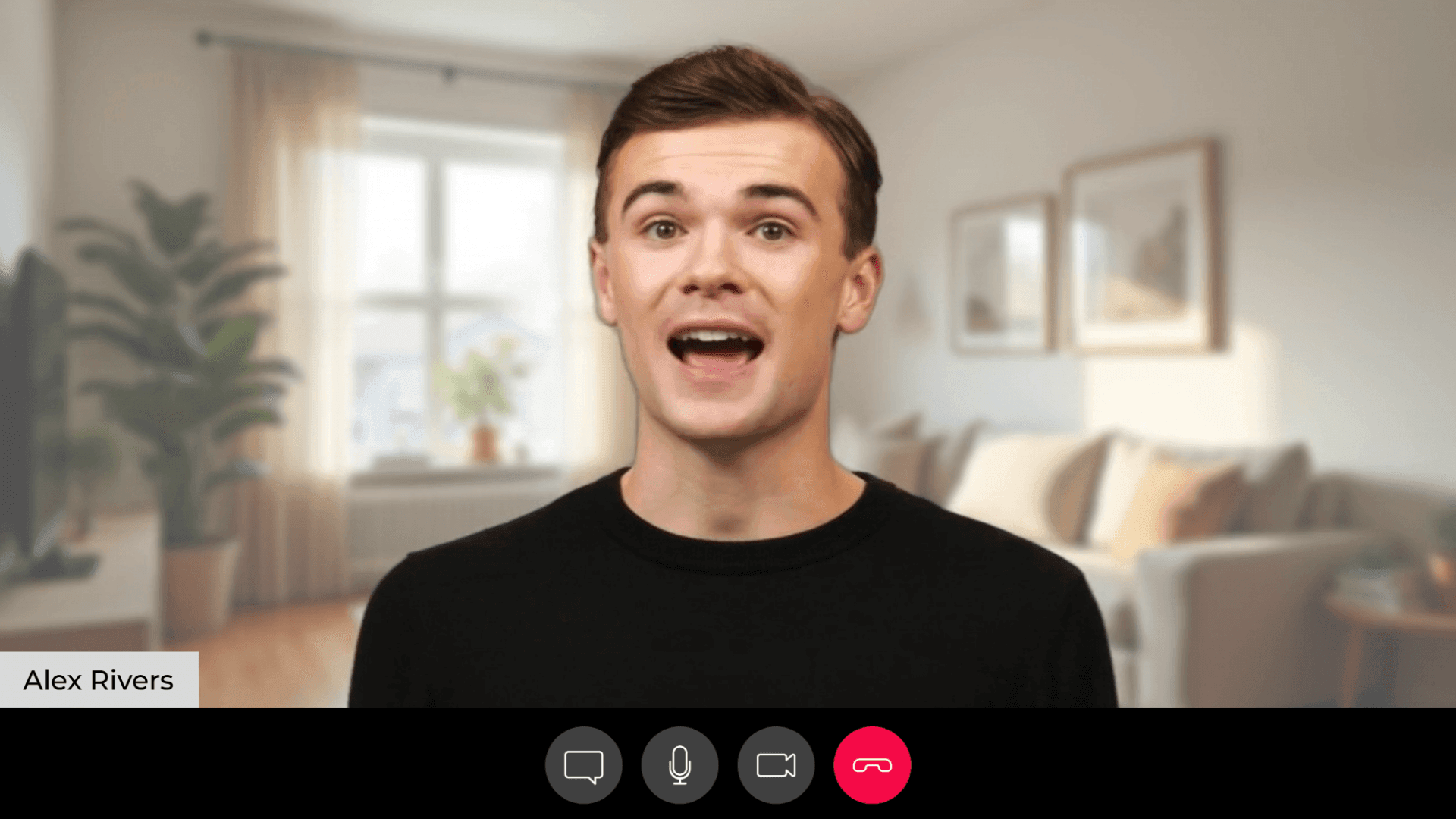
After the chat ends, the learner receives a customer review specific to their conversation with Linda, followed by a short personalized video from the lead vet tech, Morgan, with feedback tailored to exactly how they handled the situation.
The ProcessBuilding a live AI conversation, safely
Designing for realism
Vet techs rarely train for chat-based client interactions, even though more clinics are moving that direction. I didn’t want this to feel like a generic branching scenario — I wanted learners to feel like they were genuinely on shift, talking to a real client about a real pet, with real stakes if they got it wrong. That meant the client’s responses couldn’t be scripted; they needed to react to whatever the learner actually typed. So I built the client conversation on GPT-4o, giving Linda a full persona and letting her respond naturally rather than branching between preset paths.
Solving the technical piece
Getting there wasn’t just a matter of writing a good prompt. I needed the AI conversation to run securely and reliably inside Storyline, which meant learning to work with serverless functions — something I’d never touched before. With Claude’s help, I set up a Vercel backend to handle the API calls to ChatGPT and HeyGen, keeping the API keys secure and off the client side entirely, and used GitHub to track every change as I built it out. That backend is what made the rest of the experience possible: three connected endpoints handling the client conversation, the feedback video request, and the video status check.
Building in support without giving away the answer
One thing I cared about early on was making sure learners weren’t left to guess. In a real clinic, a vet tech unsure how to handle a situation can ask a vet for guidance — so I built that same option into the simulation. Dr. Tessa Clarke, the mentor vet, can see the learner’s full conversation with the client, not just a summary, so her advice responds to what actually happened rather than offering generic talking points. Vague encouragement like “be more empathetic” doesn’t teach anyone anything. Specific, situational guidance does.
Making feedback personal
The same thinking shaped the feedback at the end. Instead of a generic pass/fail, I wanted learners to receive feedback that reflected exactly how their specific conversation went. After the chat ends, the system generates a star rating and a review from the client’s perspective, then uses both — along with the full chat history — to write a personalized script for Morgan, the lead vet tech, delivered as a short AI-generated video. Two bugs shaped this more than I expected: a timing issue caused Morgan’s feedback video to load before the video request was fully processed, and a separate timing issue caused her feedback to read as unfairly harsh because her script was generating before the star rating had come back. Both were fixed by adjusting the sequence of events on the Storyline timeline — a good reminder that in AI-integrated projects, timing between systems matters as much as the content itself.
Testing and iterating
Once the experience was working end to end, I recorded a walkthrough and shared it with colleagues for feedback. That round surfaced a real usability gap: testers missed the notification that signaled a new message and didn’t know what to click next. I addressed it by adding a short “Meet Morgan” onboarding moment that orients learners to the interface before they’re on their own.
I also ran a live test with a small group to see how people responded in real time, and to watch how the AI video generation performed under real conditions. That session surfaced a second gap — a short activity I’d added between the client chat and the feedback video (to cover HeyGen’s processing time) wasn’t clearly framed, so testers didn’t understand its purpose. I adjusted how it’s introduced so it reads as intentional practice rather than a random detour.
ResultsWhat I’d measure next
Because this is a conceptual project, the next step would be to pilot it with a small group of vet techs and gather both learner feedback and AI-generated evaluation data to see where they struggle most — diagnosing client concerns, asking the right questions, or knowing when to escalate to a vet.
After implementation, I’d track two things: the star ratings and feedback themes generated across many learner conversations (to spot common client-communication gaps), and completion and confidence metrics gathered through a short post-training survey. Success would look like vet techs reporting greater confidence handling non-emergency chats, along with a measurable decrease in client escalations for issues that could have been resolved directly.
TakeawaysWhat I took away
This was my first fully AI-integrated, production-ready project, and I built it with no prior coding background. A few things made that possible. Starting with a tiny test project before touching the real build meant I could isolate the new technical piece — HeyGen integration — without also debugging Storyline logic at the same time. Knowing when to start a new AI chat mattered just as much as knowing what to ask; long conversations led to usage limits and hours of downtime, so I got in the habit of asking for a structured summary (what we’re doing, what’s working, what’s not) and carrying that into a fresh chat.
I also learned to lean on official API documentation rather than looping endlessly with AI when something wasn’t working — reading HeyGen’s own docs on POST and GET requests often got me unstuck faster than another round of prompting. And having Devlin Peck to talk through genuinely new technical concepts with, like servers and serverless functions, was something AI alone couldn’t fully replace.
I also documented the entire build in my YouTube video, “Create Next-Gen eLearning with AI + JavaScript” — walking through the whole process I went through to create this eLearning, including the trials and errors and the technical behind-the-scenes work.
Most of all, this project changed my relationship with code. I went from asking Claude to rewrite entire files because I couldn’t isolate a single function, to confidently editing and extending my own prompts and logic by the end. That confidence is now something I bring into every AI-powered project I build.
Curious how it works?
This one isn’t public — keeping it open to everyone would run up the cost of the AI behind it. But if it’s a good fit for what you’re working on, reach out and I’ll share a link so you can try it yourself.